
Monster Hunter Wilds
Got a phone and WiFi? That's two connections. PingAim routes Monster Hunter Wilds through whichever reaches your fellow hunters with the lowest ping. Server map, port guide, and P2P hunt explainer included.
Does PingAim Help in Monster Hunter Wilds?
- ProtocolBOTH
- ConnectionHybrid
- HostingCapcom proprietary (matchmakin…
- EngineRE Engine
- NATModerate
- LauncherSteam (PC)
- Install size75 GB
Why ping matters in Monster Hunter Wilds
Latency sensitivity MediumPing matters but is not the dominant factor.
Monster Hunter Wilds is a co-op action RPG with session-based hunts lasting 20–50 minutes. Attack combos and dodge windows operate on the order of 200–400ms, which is significantly more forgiving than competitive FPS or fighting game frame timing. However, the P2P hunt architecture means that high latency between you and the session host causes visible desync — monsters appearing to teleport, attacks registering late, and disconnects during critical moments. For solo play the game is entirely single-player and unaffected by ping. Multiplayer ping matters most during fast-moving hunts with multiple hunters attacking simultaneously.
About Monster Hunter Wildsbackground, studio, esports scene
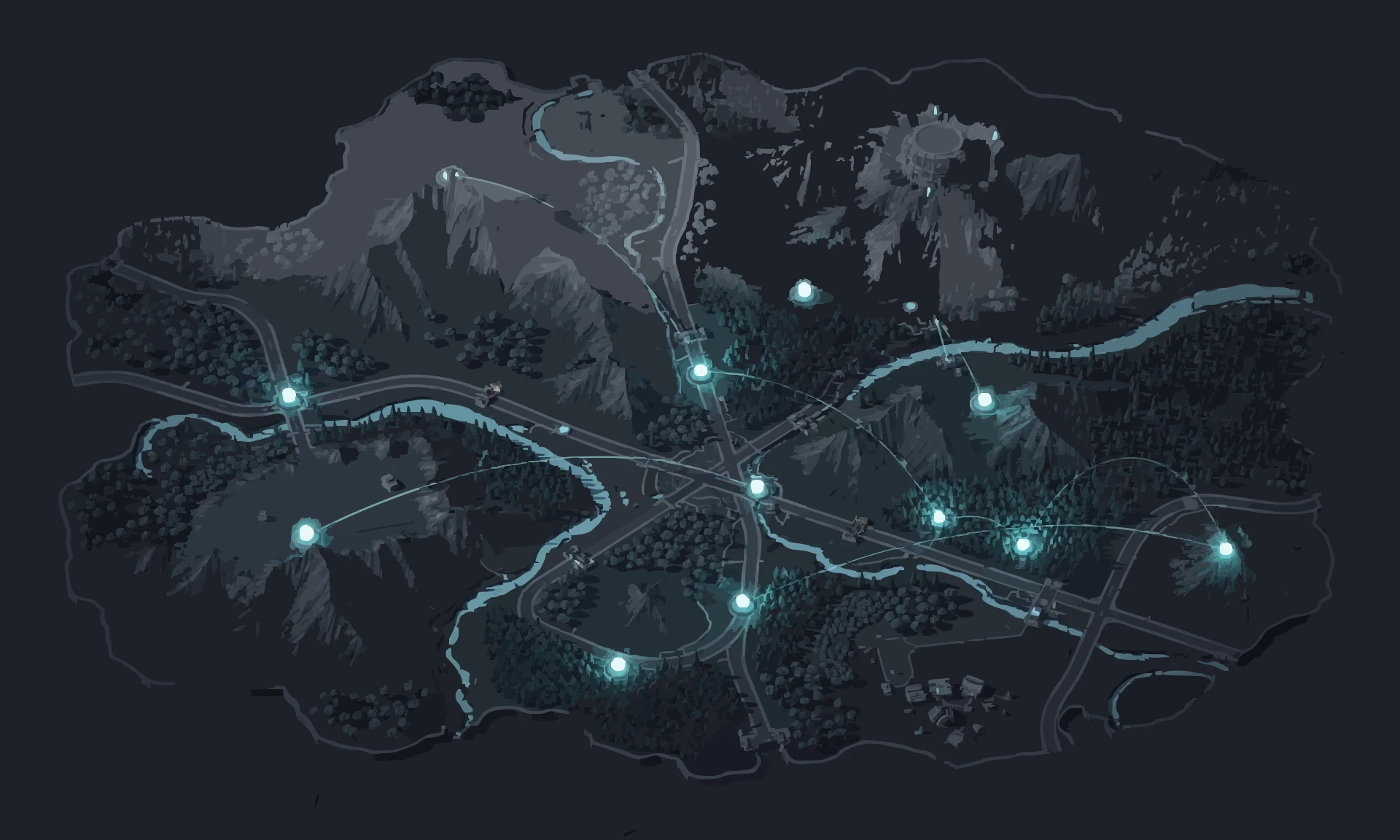
Monster Hunter Wilds is an action RPG developed and published by Capcom, released on February 28, 2025 for PC (Steam), PlayStation 5, and Xbox Series X|S — the first simultaneous multiplatform launch in the franchise's history. Players take the role of a Hunter dispatched to the Forbidden Lands, a vast interconnected world of five ecosystems: the Windward Plains, Scarlet Forest, Oilwell Basin, Iceshard Cliffs, and Ruins of Wyveria. The core gameplay loop centers on tracking, hunting, and carving endemic monsters to craft progressively stronger weapons and armor across fourteen weapon archetypes. Co-op play supports up to four hunters per quest, with cross-platform play enabled across PC, PS5, and Xbox. The game introduces seamless transitions between biomes and settlements, eliminating loading screens in the field, and a new Focus Mode mechanic for precision attacks on monster wounds.
Monster Hunter Wilds is built on Capcom's proprietary RE Engine, previously used for Resident Evil and Devil May Cry titles. The RE Engine's open-world implementation drew significant community scrutiny at launch due to CPU performance overhead, particularly related to NPC simulation and Capcom's custom anti-tamper layer running per-frame checks alongside Denuvo Anti-Tamper DRM. Multiplayer uses a hybrid architecture: matchmaking and lobby coordination are handled through Capcom's dedicated servers, while the actual hunt sessions operate peer-to-peer between the four players. Cross-play is fully supported for co-op hunts across all three platforms.
Monster Hunter Wilds became Capcom's fastest-selling game in company history, surpassing 8 million copies within three days of release and 10 million within the first month. The title represents a significant expansion of the Monster Hunter audience beyond Japan, with over half of its launch sales originating from PC via Steam. The game continues to receive free title updates introducing new monsters, quests, and balance patches on a regular cadence.
- Studio
- Capcom
- Released
- 2025
- Platforms
- Windows, PlayStation, Xbox
- Engine
- RE Engine
Explore the Monster Hunter Wilds Guide


PingAim detects Monster Hunter Wilds automatically
No manual config. PingAim identifies Monster Hunter Wilds by process name and routes it through your fastest connection using a kernel-level WFP driver.
When does PingAim help — and when doesn't it?
PingAim helps when...
- You have a 5G phone — tether via USB to give your hunts a dedicated mobile connection separate from your home WiFi
- You have both WiFi and Ethernet — route MonsterHunterWilds.exe through whichever has better routing to Asian or EU servers
- You hunt with international friends (JP, EU, SEA) and your ISP routes suboptimally between you
- Your WiFi is congested during prime time — phone tethering bypasses household traffic and gives the game a clean path
- You stream hunts on Twitch — separate the game traffic (MonsterHunterWilds.exe) from OBS across two interfaces
- Windows auto-selects the wrong interface and you keep getting put in lobbies with poor latency
Won't help when...
- You only have one network connection with no second option (no phone data, no second ISP)
- You hunt exclusively with nearby friends on the same ISP — P2P routing is already optimal
- The lag is caused by the session host having a weak connection — that's on their end, not your path
- You play solo — solo hunts are fully offline, no network path to optimize
- Stuttering and FPS drops — those are RE Engine CPU/GPU issues, not network
Related Games
Other games sharing technical traits with Monster Hunter Wilds — anti-cheat, hosting, engine, or genre.

Recent Updates
See all Monster Hunter Wilds updates →Community & Official Resources
Where players talk and where the publisher posts updates.