
Age of Empires IV
Got a phone and WiFi? That's two connections. PingAim routes RelicCardinal.exe through whichever has the lower, more stable ping to Azure — because in a lockstep RTS, one jitter spike freezes the match for every player in the lobby. Streams, downloads, and everything else stay on the other connection.
Does PingAim Help in Age of Empires IV?
- ProtocolUDP
- ConnectionHybrid
- HostingMicrosoft Azure / Xbox Live /…
- EngineEssence Engine 5.0
- NATModerate
- LauncherSteam or Xbox App (Microsoft Store). Xbox Live sign-in required regardless of platform.
- Install size50 GB
Why ping matters in Age of Empires IV
Latency sensitivity HighPing noticeably shapes the experience.
Age of Empires IV uses deterministic lockstep simulation. Every player input must be received by all clients before the simulation advances. This means (1) every millisecond of ping directly adds to the input delay felt by all players — not just the lagging player; (2) jitter (ping variation) causes the game simulation to pause while waiting for late packets; (3) packet loss is especially destructive because a dropped input packet stalls the entire match. Competitive RTS play requires fast unit micro-management with build order precision — skilled players issue 100-200 actions per minute, and input delay directly impacts their effective APM ceiling. AoE4 is more latency-sensitive than MOBAs or MMOs but slightly less than FPS games, since a 50ms vs 100ms difference matters but is not instant-death like in shooters.
About Age of Empires IVbackground, studio, esports scene
Age of Empires IV is a real-time strategy game developed by Relic Entertainment in partnership with World's Edge and published by Xbox Game Studios. Released on October 28, 2021 as the fourth mainline installment of the franchise, it is the first Age of Empires title not developed by Ensemble Studios. The game covers historical periods from the Dark Ages through the Renaissance, featuring eight distinct civilizations at launch (later expanded via DLC) including the English, Mongols, Chinese, French, Holy Roman Empire, Abbasid Dynasty, Delhi Sultanate, and Rus.
Age of Empires IV runs on Relic Entertainment's Essence Engine 5.0 — the same proprietary engine behind the Company of Heroes series. Its multiplayer networking uses a deterministic lockstep simulation model: every client simulates the game identically, with only player inputs synchronized across the network rather than full game state. This means the game is highly sensitive to network latency and packet loss, as every input must be confirmed by all peers before any client advances the simulation.
The game is available on Windows PC via Steam, Microsoft Store, and Xbox Game Pass for PC. Matchmaking, leaderboards, and online multiplayer require an Xbox Live account regardless of purchase platform. Cross-network multiplayer between Steam and Microsoft Store/Xbox is fully supported. An active ranked ladder and growing competitive scene exist, with World's Edge regularly running community events and supporting third-party tournaments.
- Developer
- Relic Entertainment
- Publisher
- Xbox Game Studios (World's Edge)
- Released
- 2021
- Platforms
- Windows
- Engine
- Essence Engine 5.0
- Esports
- Tier 2 — established scene
Explore the Age of Empires IV Guide
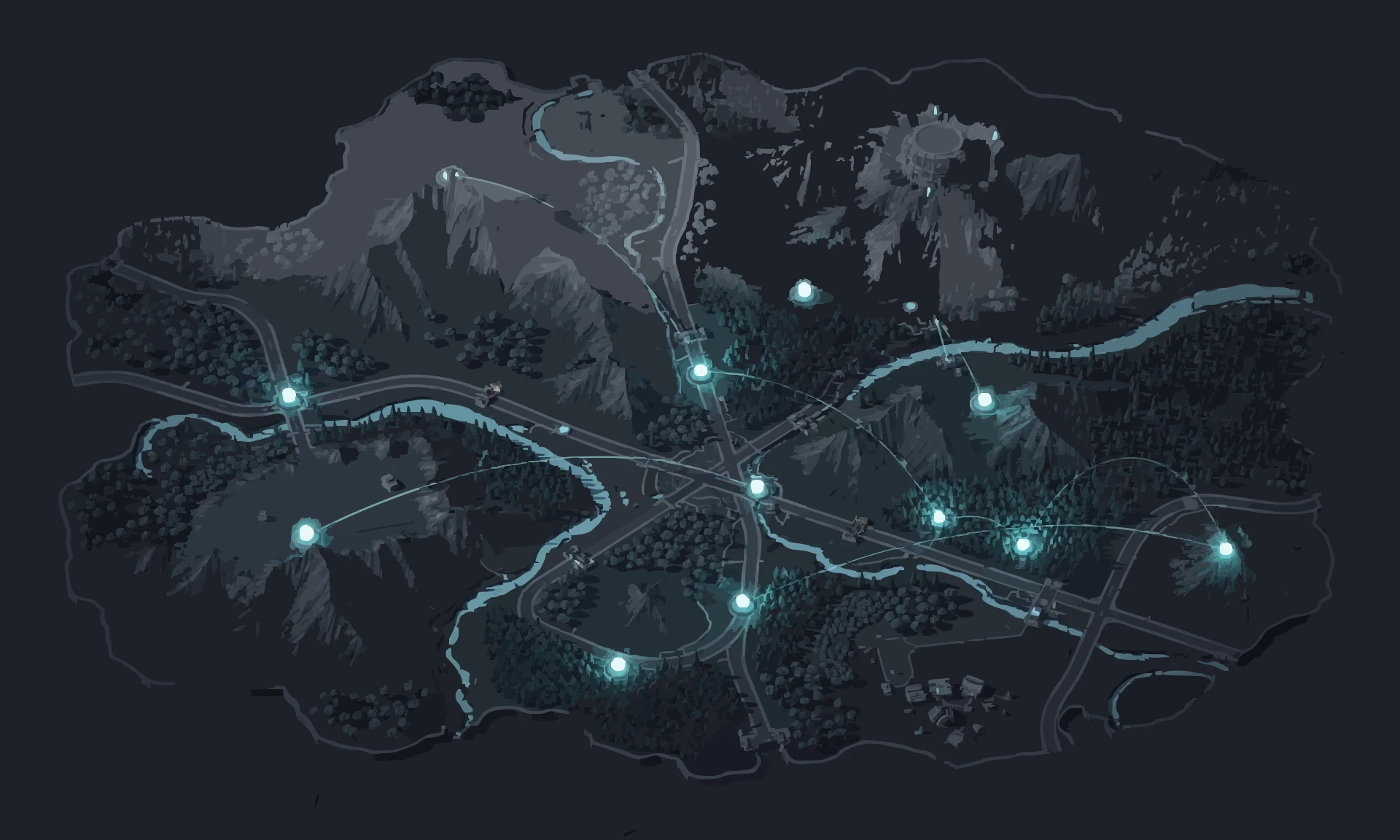


PingAim detects Age of Empires IV automatically
No manual config. PingAim identifies Age of Empires IV by process name and routes it through your fastest connection using a kernel-level WFP driver.
When does PingAim help — and when doesn't it?
PingAim helps when...
- You have a phone with 5G/LTE — tether via USB for a dedicated AoE4 connection isolated from household traffic
- You have both WiFi and Ethernet — route RelicCardinal.exe through whichever pings lower to Azure
- You stream your matches — separate OBS and game traffic so upload congestion does not cause lockstep stalls
- Your WiFi is congested in the evening — phone tethering bypasses shared household contention
- You have two ISPs or a dual-WAN router
- Windows picks the wrong interface for RelicCardinal.exe and you want explicit control
- Playing on a distant server due to small player pool — the second connection often has a materially different routing path
Won't help when...
- You only have one network connection with no way to add a second
- Your only connection is already fast and stable (under 50ms, no jitter) to the Azure relay
- Input delay perceived as 'sluggishness' — some of this is structural to lockstep, not routing
- FPS drops or stuttering caused by CPU/GPU load during large army engagements
- Game performance issues in late-game with many units (CPU-bound simulation)
Related Games
Other games sharing technical traits with Age of Empires IV — anti-cheat, hosting, engine, or genre.


Recent Updates
Community & Official Resources
Where players talk and where the publisher posts updates.